Fashion
Fashion
Collections, sizes, colors
Launch a professional UAE online store step by step with Storexio — from choosing your design and adding products to delivery, payments, domain, and launch.
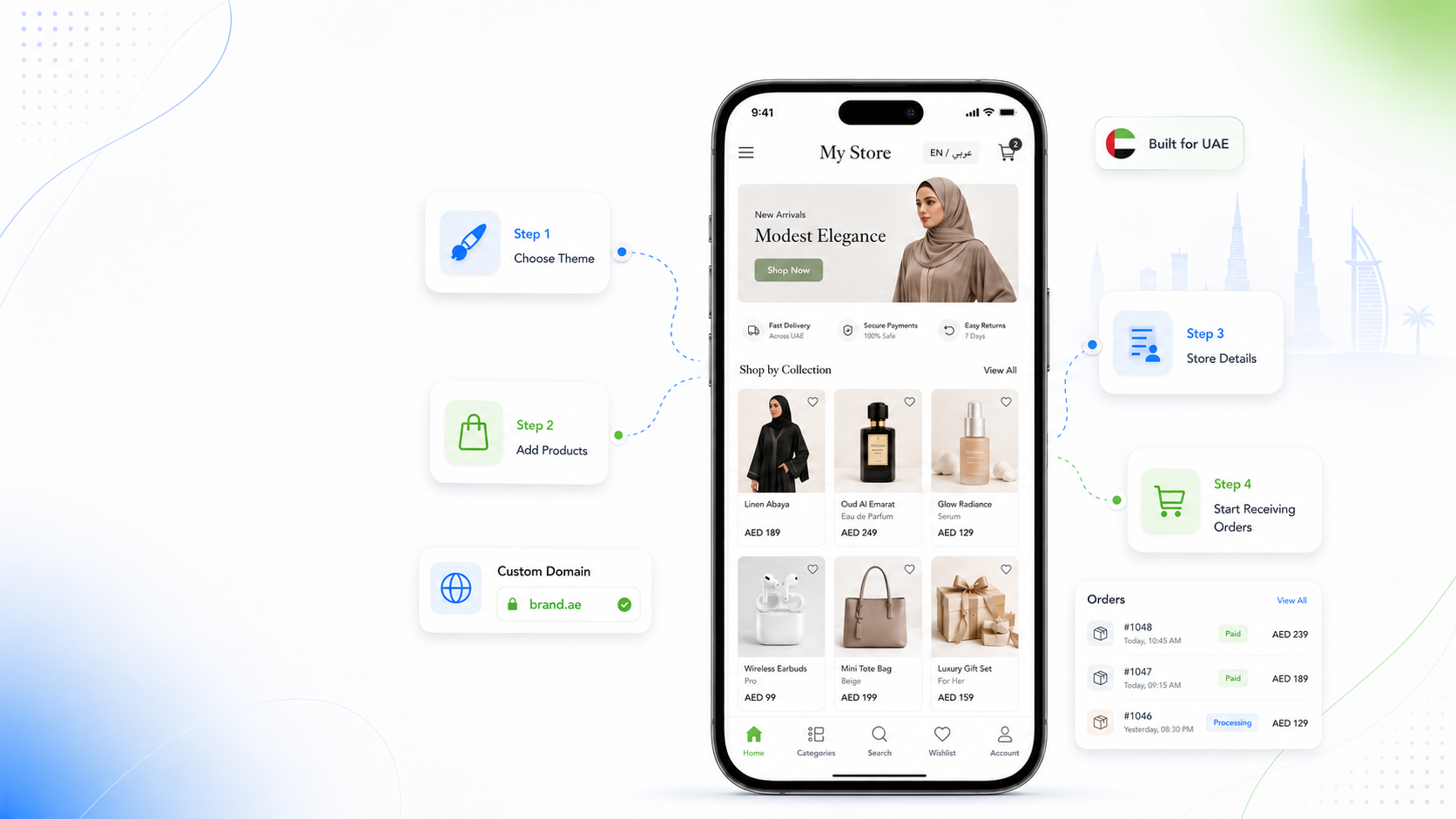
Before launch
Prepare the essentials before launch so customers can browse and order with confidence.
Product names
Product photos
Prices
Product categories
Delivery method
Payment method
Business contact details
Domain or store link
Custom Domain
Launch a professional online store on your own domain with Storexio. A branded domain is easier to remember and helps your business look more established.
Step 1
Start with a ready ecommerce design and shape it around your products, brand style, and customer experience.
Collections, sizes, colors
Scent families and gift sets
Premium visuals and details
Occasions and delivery timing
Skincare, makeup, bundles
Specs, accessories, offers
Step 2
Each product should have the information customers need to browse and decide.
Product name
Product image
Product price
Product description
Product category
Variants if needed
Use size and color variants so shoppers can choose the right option.
Group products by scent family, bottle size, and gift sets.
Organize daily essentials by category, stock, and availability.
Sort bouquets by occasion, arrangement style, and delivery needs.
Step 3
Show customers how they can pay, where you deliver, and what to expect before they order.
Cash on delivery where applicable
Card payment where available
Delivery areas
Delivery fees
Delivery timing
Order notes or special instructions
Step 4
A custom domain and clear business details make your store easier to trust and remember.
Easier to remember
More professional
Better for brand credibility
Useful for marketing campaigns
Store name
Contact details
Social links
Return/exchange policy
Delivery policy
Privacy/terms links if needed
Launch
Before sending customers to your store, test the complete experience.
Test product pages
Check mobile view
Confirm prices
Confirm delivery information
Test order flow
Add your store link to Instagram, TikTok, WhatsApp, Google Business Profile, and ads
Why Storexio
Storexio helps UAE merchants move from manual selling to a professional online store.
Start without technical experience.
Get your store live, fast
Give customers a clear shopping experience.
Ready designs for UAE sellers
Organize products and categories.
Simple browsing for customers
Manage orders from one place.
Review and update orders faster
Build trust with your own store link.
Use a branded website address
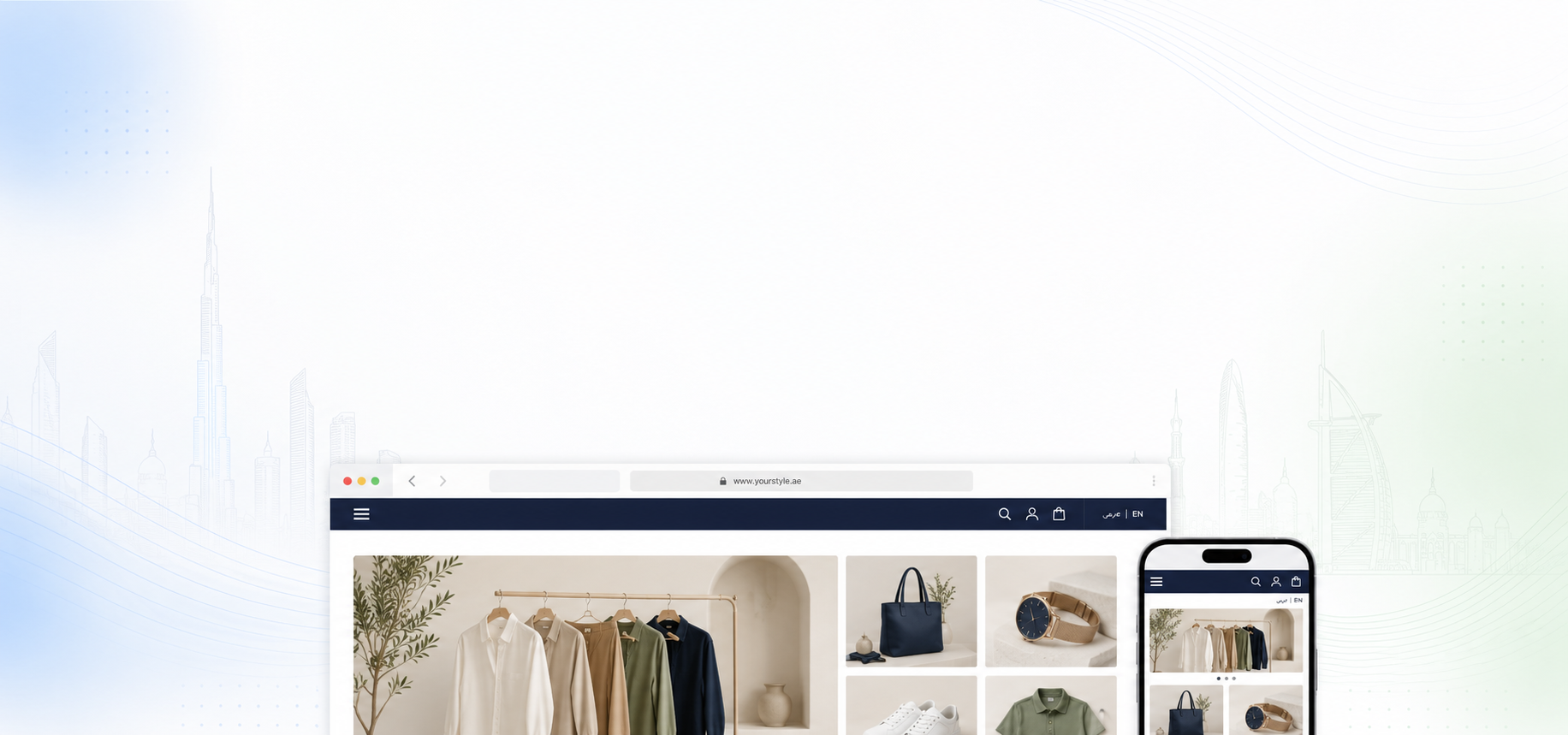
Support customers shopping from mobile.
Built for every screen
Serve a wider UAE audience where available.
Reach more local shoppers
Use discounts and campaigns to support sales.
Create offers when you need them
Avoid mistakes
A successful online store needs more than product photos. Check these common launch problems before going live.
Using unclear product photos.
Not adding product descriptions.
Hiding delivery fees or timing.
Not checking the mobile view.
Sending customers to multiple disconnected links.
Launching without clear contact details.
Not testing the order flow.
Industry fit
Different businesses need different store structures.
Sell clothing, abayas, accessories, and collections.
Showcase scent notes, bottle sizes, and gift collections.
Present premium products with detailed visuals.
Organize bouquets by occasion and delivery needs.
List daily essentials with clear categories.
Sell skincare, makeup, bundles, and routines.
Add specs, categories, accessories, and offers.
Show products by room, style, or collection.
Clear answers for UAE merchants.
Start by preparing your product list, product photos, prices, categories, payment preferences, delivery details, and business information. Then use Storexio to choose a storefront design, add products, set up your store details, and start receiving orders online.
No. Storexio is designed for business owners who want to create and manage an online store without building a website from scratch or handling complex technical setup.
You can create an online store for many retail categories, including fashion, perfume, jewelry, flowers, grocery products, beauty products, electronics, gifts, and home decor.
Yes. Storexio is useful for sellers who already receive orders through Instagram, WhatsApp, or direct messages and want to give customers a more professional way to browse products and place orders.
Prepare product names, product photos, prices, descriptions, categories, delivery details, payment information, contact details, and any important store policies such as returns or exchanges.
Yes. A custom domain helps your store look more professional and makes it easier for customers to remember your brand.
Yes. Your online store should be mobile-friendly because many UAE customers browse and shop from mobile devices.
Arabic and English storefront content is available when multi-language access is included in the selected plan or enabled as an add-on.
The setup time depends on how ready your products, images, prices, delivery details, and business information are. Storexio is position the process as faster than custom development because the core ecommerce structure is already available.
This page is for beginners who want to know how to create an online store step by step. The ecommerce website builder page is more focused on Storexio as a complete website-building platform with catalog, design, dashboard, domain, and management features.
Prepare your products, choose your design, and launch a professional storefront with Storexio.